Model Description
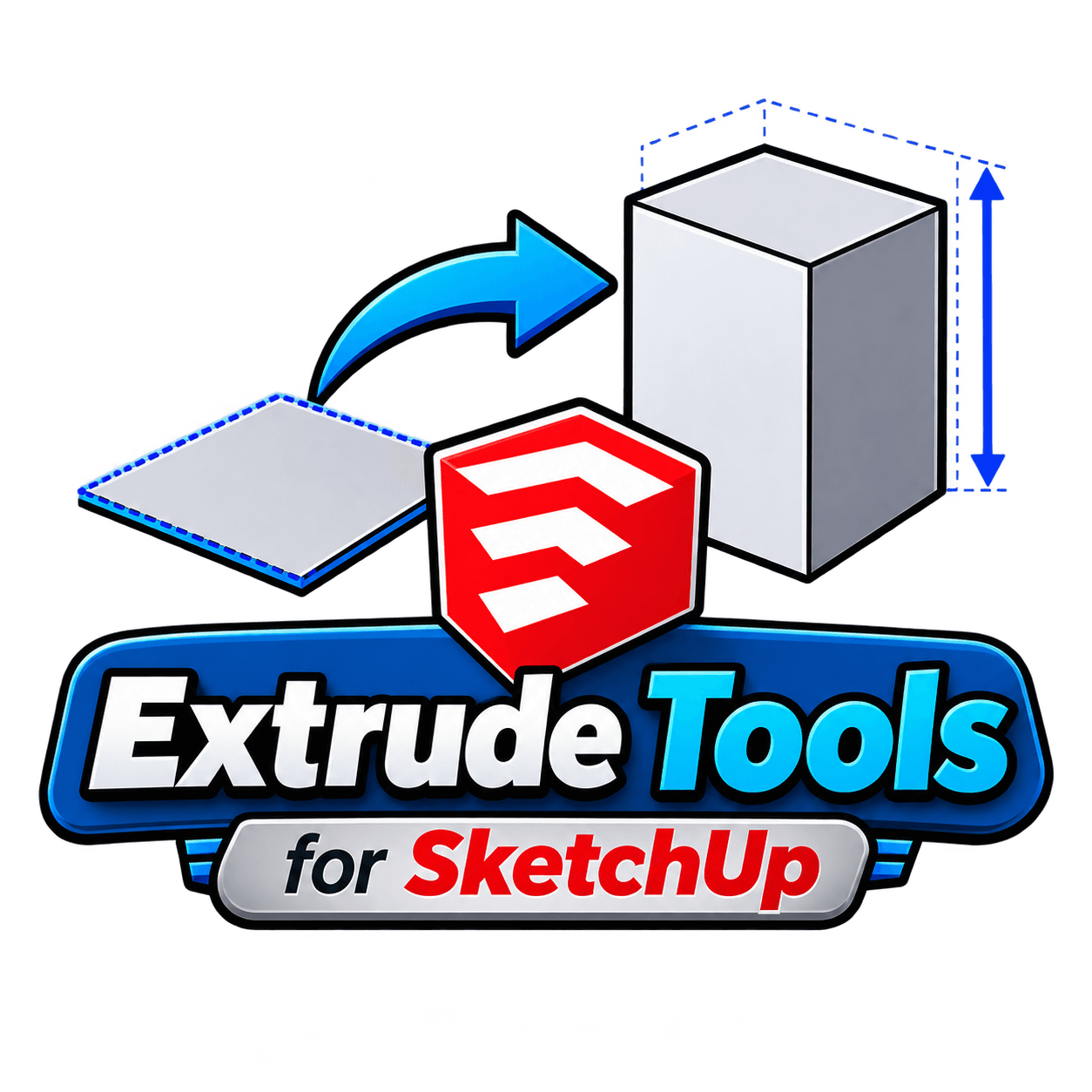
Extrude Tools turns flat faces into solid 3D geometry in a single action, replacing the manual push, pull, and measure routine with a direct extrude. Draw a flat shape, pick a height, and the plugin builds the solid upward with clean, usable edges, no separate guide lines or trial and error needed.
Beyond a straight vertical extrude, the plugin is built for faster block out work: raising walls from a floor plan, turning a 2D footprint into a massed building, or pushing flat panels into boxes and plinths for furniture and product models. Because it works directly on existing faces, there’s no need to rebuild geometry from scratch when a flat sketch needs to become a 3D form.
As one of the more utility focused sketchup plugins on SketchShaper, Extrude Tools fits naturally into early modeling stages, right before detailing and materials go on. Pair it with the ClothWorks plugin for draped fabric once your solids are in place, or browse the furniture and interior models already on the site to drop extruded forms straight into a finished scene.