Model Description
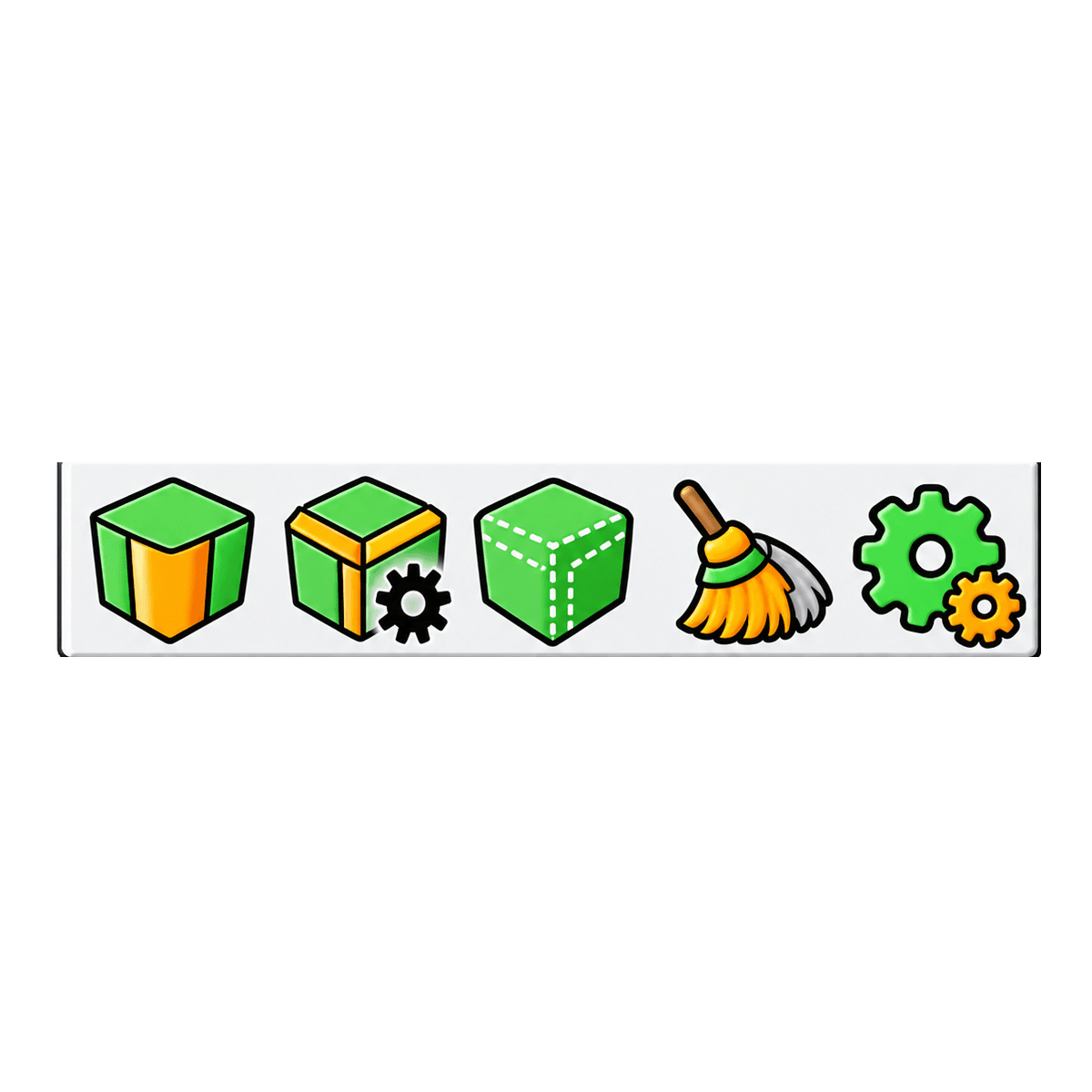
Bevel for SketchUp adds a dedicated beveling tool to the toolbar, built for rounding and chamfering edges without manually drawing extra geometry by hand. The toolbar strip holds five icons: the bevel tool itself, a settings gear, a cleanup brush, and an options icon, so the whole workflow stays in one place instead of digging through menus.
Pick an edge or a face, set the radius and segment count, and the plugin generates the new geometry in place with a live preview before you commit. Higher segment counts give a smooth, rounded profile close to a fillet, while lower counts give a flatter chamfered cut, so the same beveler tool covers both a soft rounded edge and a sharp angled one depending on the settings. The cleanup icon clears stray edges left behind after beveling, which matters most on denser meshes where a beveling tool can otherwise leave extra lines behind.
Because the bevel is generated rather than modeled by hand, it is easy to undo, adjust, or reapply with different settings without rebuilding the shape from scratch. This fits furniture edges, trim, moldings, hardware, and any hard surface model where sharp corners read as unfinished. It also saves time compared to running bevel tools one edge at a time through native SketchUp commands.
As one of the sketchup extensions built for faster detail work, Bevel for SketchUp pairs well with other plugin sketchup users already rely on for modeling, such as subdivision and sculpting tools, since a bevel pass is often the last step before a model is ready to render or publish. The result is cleaner edges in less time, whether the model is a single product shot or part of a larger scene.