Sketch shaper for SketchUp
Stream thousands of curated 3D models and calibrated PBR textures directly into your active SketchUp drawing coordinates without switching tabs.
See Sketch shaper in Action
Watch how fast assets stream into the 3D workspace and snap straight to active drawing axes.
Designed for Speed & Precision
Every feature is calibrated around the daily workflow of architects, interior designers, and 3D visualizers.
Curated 3D Model Cloud
Browse thousands of curated furniture pieces, fixtures, lighting, and landscape elements directly from the extension panel inside SketchUp.
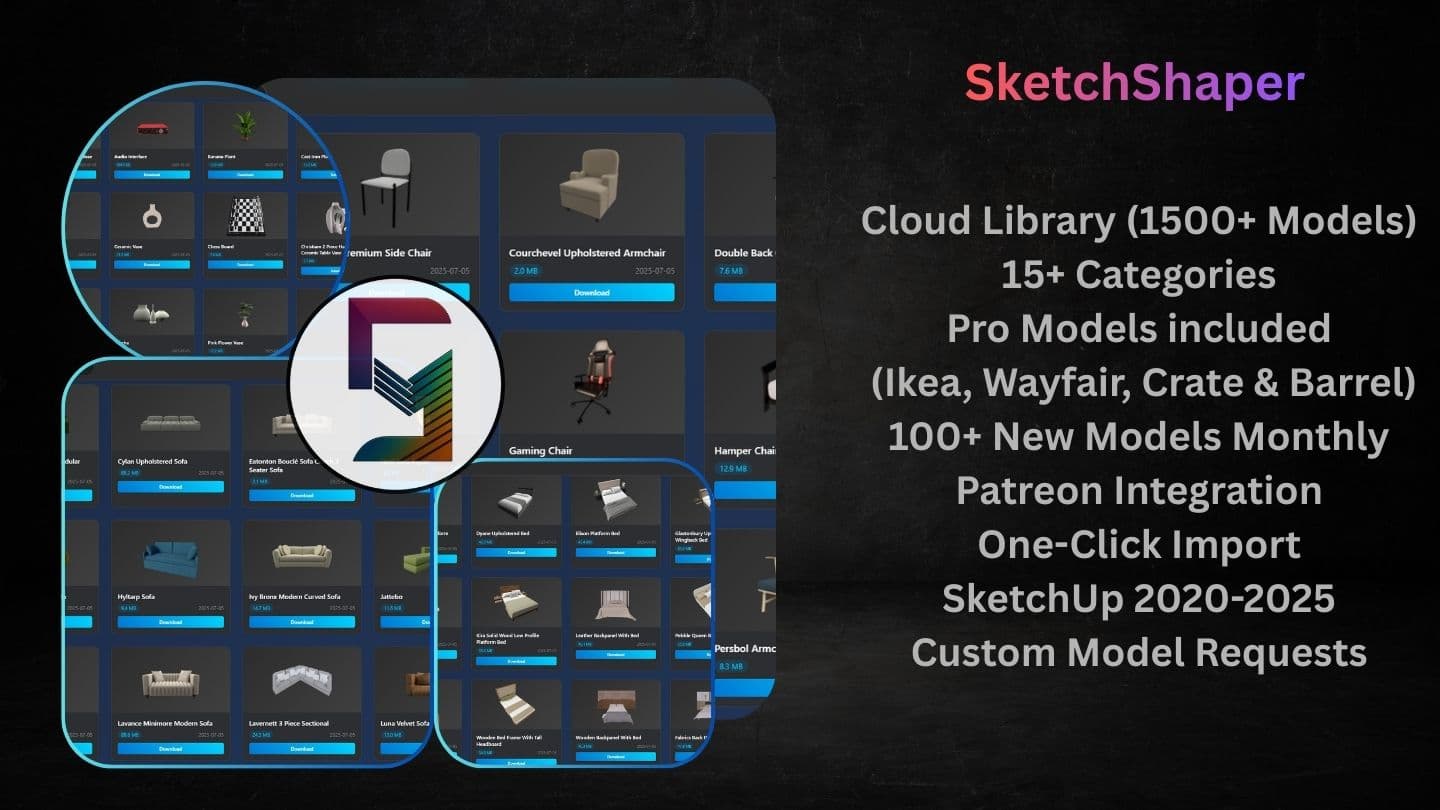
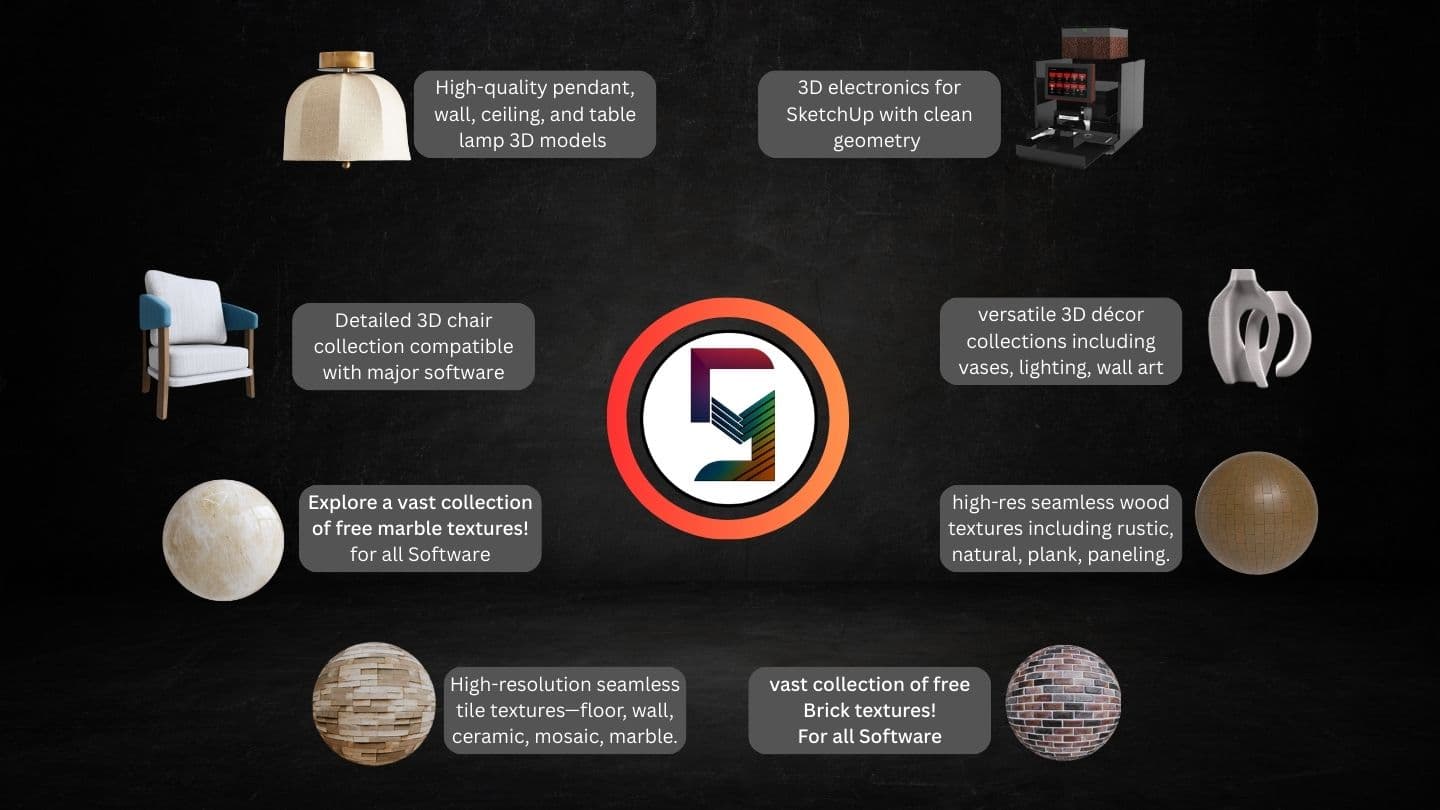
Calibrated PBR Textures
Render-ready architectural materials with pre-configured roughness, displacement, and normal channels for immediate photorealism.
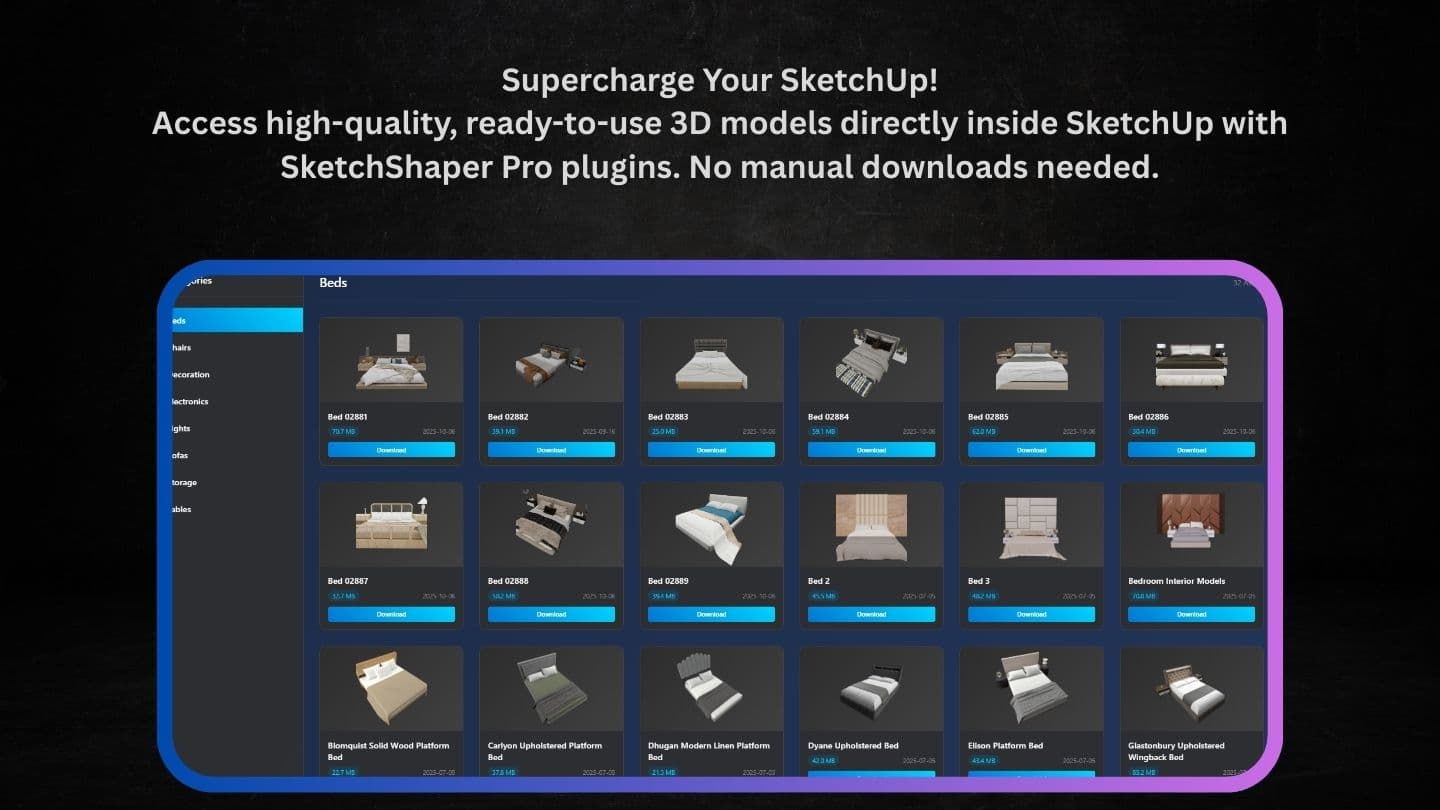
1-Click Viewport Drop
Insert models directly at your cursor tip or active drawing axes with zero manual importing, file moving, or unzipping.
How to Install in SketchUp
Follow these 3 simple steps to integrate Sketch shaper into your modeling workspace.
Download the .rbz bundle
Click download to get sketchshaper-1.5.0.rbz. Do not unzip or extract the file.
Open Extension Manager
In SketchUp, open the top menu bar and select:
Extensions > Extension Manager(Or Window > Extension Manager in older releases)
Click “Install Extension”
Click the Install button at the bottom of the manager, select your downloaded .rbz file, and accept. The Sketch shaper toolbar docks immediately!
Frequently Asked Questions
Everything you need to know about compatibility, licensing, and workflow integration.