Best SketchUp Textures for Realistic 3D Rendering in 2026
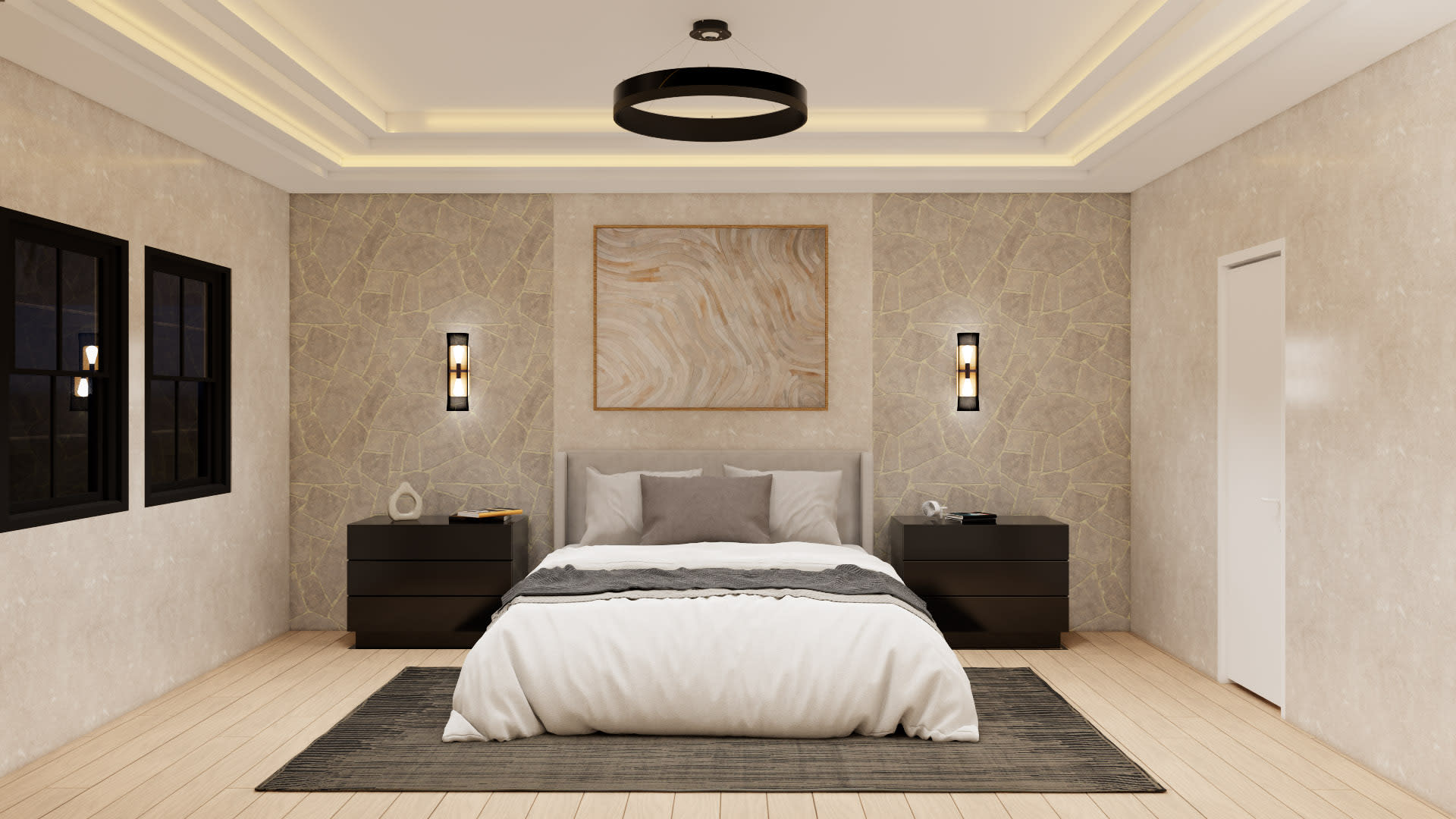
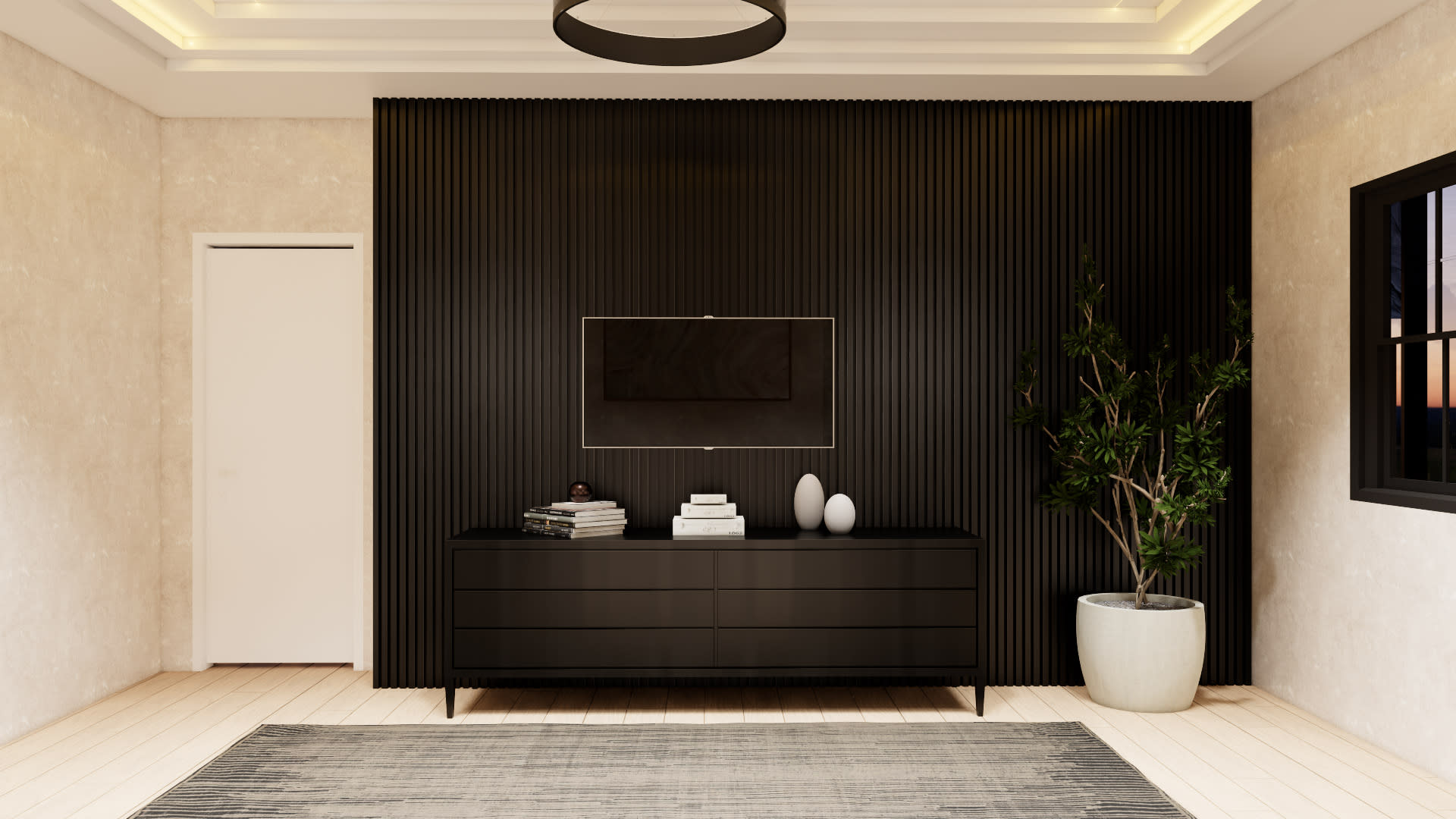
A SketchUp model can show the shape of a building, room, or object, but textures make it feel real. Without materials, even the best 3D model may look flat, unfinished, or difficult to understand. A wall is not just a wall when it has concrete grain, painted plaster, brick details, or wooden panels. A floor becomes more believable when it has natural stone variation, tile joints, or realistic wood grain.
That is why SketchUp textures are important for architecture, interior design, landscape design, product visualization, and 3D rendering.
In 2026, designers need more than basic color fills. They need high-quality, seamless, optimized, and realistic textures that work well inside SketchUp and rendering engines such as V-Ray, Enscape, Lumion, Twinmotion, D5 Render, and Thea Render. Good textures help improve realism, reduce editing time, and make design presentations easier for clients to understand.
Why SketchUp Textures Matter
Textures help communicate material, style, quality, and atmosphere. A plain gray surface can represent concrete, plaster, stone, or metal, but viewers may not understand the designer’s intention unless the material is clear. When you apply the right texture, the surface becomes more informative.
For example, a kitchen design with plain white cabinets and gray floors may look simple. But when you add matte cabinet finishes, marble countertops, ceramic wall tiles, brushed metal handles, and wood flooring, the design becomes easier to imagine. Clients can understand not only the layout but also the feeling of the space.
Textures also improve storytelling. A warm wood texture can make a room feel natural and comfortable. Dark stone can create a luxury mood. Polished concrete can feel modern and industrial. Soft fabric textures make furniture feel more realistic. Each material choice affects how people experience the design.
What Makes a Good SketchUp Texture?
A good SketchUp texture should be realistic, seamless, properly scaled, and optimized. These four qualities are important because a texture can either improve your scene or make it look unprofessional.
A realistic texture has natural color variation, believable detail, and proper surface character. Real wood is not one flat color. It has grain, knots, lines, and tone changes. Real concrete has small stains, pores, and roughness. Real stone has veins and natural movement.
A seamless texture repeats without visible borders. This is very important for large surfaces such as floors, walls, ceilings, exterior cladding, roads, and landscape areas. If a texture is not seamless, viewers may notice repeating square patterns, which makes the render look artificial.
A properly scaled texture matches real-world dimensions. A brick texture should not have giant bricks unless the design requires it. Floor tiles should match the correct tile size. Wood planks should not look too wide or too narrow by accident. Correct scale makes the model more believable.
An optimized texture has enough detail without being too heavy. Very large image files can slow down SketchUp and increase render time. For most design projects, balanced texture resolution is better than using extremely large files everywhere.
Best Types of SketchUp Textures for Designers
Different projects need different textures. For architectural and interior design, some texture categories are used again and again. Building a strong material library around these categories can save a lot of time.
Seamless 3D Wood textures - Sketch shaper
Wood is one of the most useful materials in SketchUp. It appears in floors, doors, cabinets, furniture, wall panels, ceilings, stairs, decks, and decorative elements.
Good wood textures should show grain direction clearly. For flooring, the wood grain should follow the length of the plank. For cabinets, grain direction should match the design style. Vertical grain can make cabinets look taller, while horizontal grain can create a wider and more modern look.
Popular wood texture types include oak, walnut, pine, teak, ash, maple, cherry, and reclaimed wood. Light oak works well for Scandinavian and minimal interiors. Walnut is often used in luxury homes, offices, and premium furniture. Weathered wood is useful for rustic, farmhouse, or outdoor scenes.
When using wood textures in SketchUp, always check the scale and direction. A beautiful wood texture can still look wrong if the grain runs in the wrong direction.
Concrete Textures for SketchUp
Concrete textures are widely used in modern architecture. They work well for floors, walls, ceilings, exterior façades, countertops, industrial spaces, and urban design scenes.
Concrete can look smooth, rough, polished, stained, poured, or aged. A clean polished concrete texture is good for modern interiors, while rough concrete works better for exterior walls, basements, industrial buildings, or unfinished architectural concepts.
The biggest mistake with concrete texture is making it too repetitive. Real concrete has subtle variation. If the pattern repeats too clearly, the surface looks fake. Seamless concrete textures with soft variation usually work best.
Marble texture-Sketch shaper
Stone textures add natural detail and luxury to SketchUp scenes. Marble, granite, limestone, travertine, slate, sandstone, and terrazzo can be used for floors, walls, countertops, bathrooms, hotels, restaurants, and outdoor areas.
Marble textures are especially popular in premium interiors. They can make kitchens, bathrooms, reception areas, and feature walls look elegant. However, marble must be used carefully. If the texture scale is too large or the veins repeat too often, the result may look unrealistic.
Stone textures often need proper bump or normal maps when used in rendering software. These maps help create the feeling of surface depth, even when the geometry is flat.
Seamless 3D Tiles textures - Sketch shaper
Tile textures are important for bathrooms, kitchens, floors, swimming pools, outdoor patios, and commercial spaces. A good tile texture should show accurate tile size, grout lines, surface finish, and color variation.
Common tile styles include ceramic, porcelain, subway tile, mosaic, terrazzo, marble tile, stone tile, and patterned tile. For realistic results, do not only apply a flat tile image. Pay attention to grout color, roughness, reflection, and scale.
Tile textures can easily look fake if the pattern repeats too obviously. Use seamless tile textures and adjust the scale carefully in SketchUp.
Fabric Textures for Furniture
Fabric textures are useful for sofas, cushions, beds, curtains, carpets, office chairs, and soft interior details. They add comfort and realism to a scene.
Good fabric textures show weave, softness, and subtle color variation. Common types include linen, cotton, velvet, wool, leather, suede, canvas, and boucle. A sofa with a flat color may look like plastic, but with a realistic fabric texture, it feels soft and believable.
When rendering fabric, roughness is important. Most fabrics are not highly reflective. They absorb light softly. If fabric is too shiny, it may look unnatural.
Metal Textures for SketchUp
Metal textures are used for handles, frames, railings, fixtures, furniture legs, appliances, lighting, and building details. Common metal finishes include brushed steel, polished chrome, matte black metal, brass, bronze, copper, aluminum, and aged metal.
Metal materials depend heavily on reflection settings in rendering software. In SketchUp alone, a metal texture may not look very realistic. But when used with proper reflection, roughness, and lighting in a renderer, it can look much more natural.
For architectural interiors, matte black metal and brushed brass are popular choices for modern designs. Stainless steel is common in kitchens and commercial spaces.
Glass and Transparent Materials
Glass is important for windows, doors, partitions, shower screens, tables, railings, and façades. In SketchUp, glass can be difficult because it needs transparency, reflection, and sometimes slight color tint.
For realistic glass, avoid making it completely invisible. Real glass reflects light and often has a slight green, blue, gray, or bronze tint. In rendering software, glass should have proper reflection and refraction settings.
Architectural glass is especially important in modern building design. Large glass surfaces can change how light enters a scene and how open the space feels.
PBR Textures for SketchUp Rendering
PBR stands for physically based rendering. A PBR texture set usually includes different image maps such as base color, roughness, normal, displacement, metallic, and ambient occlusion. These maps help rendering engines create realistic material behavior.
For example, a brick wall is not only a color image. It has roughness, small shadows, depth, and surface irregularity. A PBR texture set gives the renderer more information, making the material look more realistic.
If you use V-Ray, Enscape, D5 Render, Twinmotion, or similar tools, PBR textures can improve your final result. They are especially useful for wood, stone, brick, concrete, fabric, leather, and metal.
How to Apply Textures Correctly in SketchUp
Applying a texture is easy, but applying it professionally takes attention. First, import or select the material in SketchUp. Then apply it to the surface. After that, adjust the scale, position, and direction.
For flat surfaces like walls and floors, use the texture positioning tools to align the material properly. For furniture and complex objects, make sure the texture does not stretch strangely. A stretched texture can ruin the realism of a scene.
Always check your model from different camera angles. A texture may look fine from far away but reveal problems in close-up views. If the project will be rendered, test the material inside your rendering software before final output.
Texture Optimization for Better Performance
High-quality textures can make your design look better, but too many large textures can slow your project. A common mistake is using 4K or 8K textures on every object, even small items that are far from the camera.
Use high-resolution textures only where they are needed. For close-up surfaces, detailed textures are useful. For background objects, lower-resolution textures are usually enough. This keeps the SketchUp file lighter and makes rendering faster.
You should also remove unused materials from your SketchUp file. Over time, projects collect many materials that are no longer used. Cleaning the file helps improve performance and organization.
How SketchShaper Can Help With SketchUp Textures
SketchShaper can provide designers with ready-to-use SketchUp textures for architecture, interiors, furniture, and rendering. A useful texture library should include wood, concrete, brick, stone, tile, fabric, metal, glass, plaster, roofing, landscape, and road materials.
For users, the most helpful texture pages are not only download pages. They should include previews, material details, suggested use cases, file information, scale guidance, and rendering tips. This makes the content more valuable and helps Google understand the page better.
Instead of thin content with only a download button, each texture page should explain where the material can be used, what style it fits, and how to apply it correctly. This creates a better user experience and can improve search visibility over time.
Final Thoughts
SketchUp textures are essential for realistic 3D design. They help simple models become believable, detailed, and presentation-ready. Whether you are designing a modern apartment, luxury villa, office space, restaurant, landscape, or product scene, the right textures can improve the entire project.
In 2026, designers should focus on seamless, realistic, optimized, and properly scaled textures. For rendering, PBR textures are especially useful because they add depth, roughness, reflection, and surface behavior.
A strong SketchUp texture library saves time and improves quality. When used carefully, textures can make your design more professional, help clients understand your ideas, and turn basic 3D geometry into a complete visual experience.